
Cherish the moments that matter
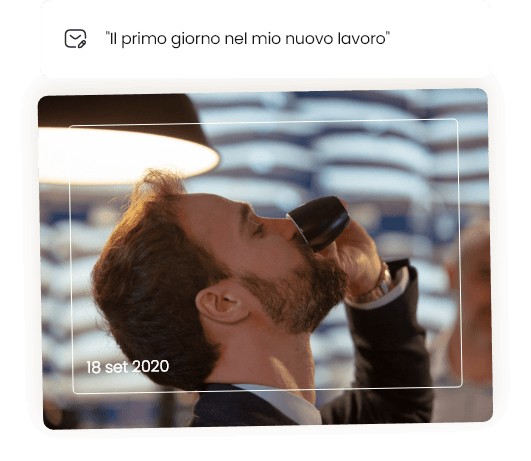
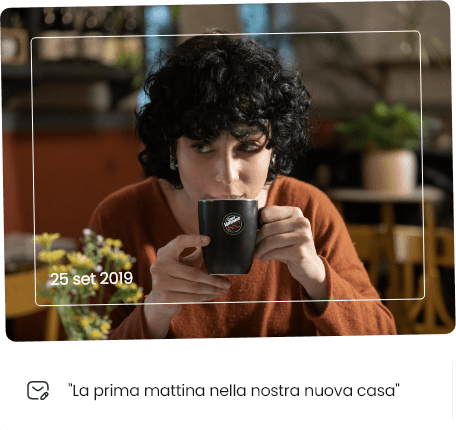
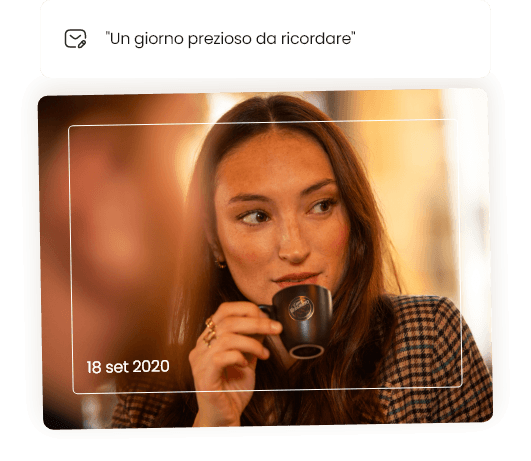
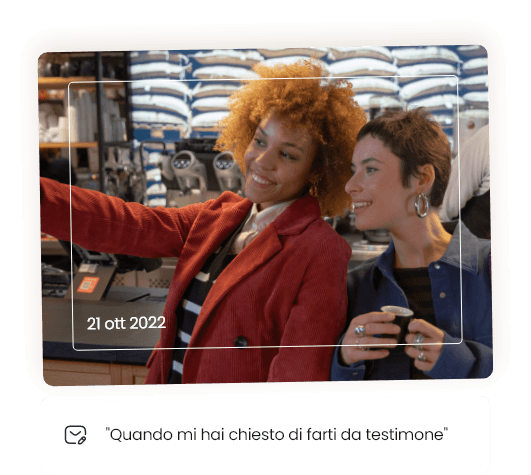
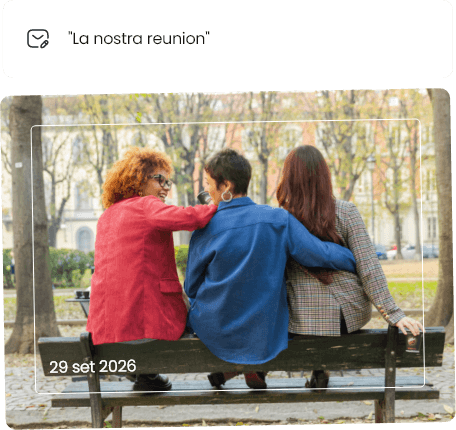
The Time Capsule is a digital space where you can preserve a thought, a memory, or a promise. It’s a small gesture you can dedicate to yourself or to someone special, to turn a moment from today into something to rediscover tomorrow.
Write your message, place it in your Capsule, and choose when you’d like to receive it again. In a few months or on a special date, that thought will come back to you as a reminder of what truly matters: the value of time spent mindfully.
Frequently Asked Questions
How do I get a code to create my Time Capsule?
You can get a code to create your Time Capsule by attending a Caffè Vergnano event. During selected events, you’ll find a QR code to scan in order to receive your personal code via email.
I received the code, but I can't use it. What should I do?
Make sure you’ve entered the same email address you used to receive the code: each code is linked to a specific email address.
If you’ve lost the original link or are still having trouble using the code, you can contact our Customer Care team by emailing servizioclienti@caffevergnano.com:
We’ll be happy to help you.
My code has already been used, but I don't remember creating a capsule.
If the code is already in use, there may be a saved draft that you haven’t yet completed or finalized.
Try logging in again using your code and the same associated email address: if a draft exists, the system will display it, and you can continue creating your Time Capsule at
.
If the problem persists, please contact our Customer Care team for assistance.
Can I have more time capsules?
Yes. Each code allows you to create one Time Capsule.
If you’ve received multiple codes by participating in multiple Caffè Vergnano events, you can create one Time Capsule for each code.
Each Time Capsule is independent and requires its own specific code to be opened or modified.
What can I put in my Time Capsule?
In your Time Capsule, you can include one or more items, such as text, images, audio messages, or short videos.
You can write a thought, upload a photo or illustration, record an audio message with your voice, a song, or a sound, or add a short video recorded
or streamed live.
To seal the Time Capsule, you must include at least one item.
Can I send the capsule to myself?
Yes. You can choose to send the Time Capsule to yourself, turning it into a message for your future self.
Simply select the “This capsule is for me” option: this will automatically set your email address as the recipient. On the day you choose, you’ll receive the message you created today.
When does the capsule open?
You can choose the date to open the Time Capsule by selecting a day between 6 and 12 months from the date of creation.
You can select a specific date, such as the recipient’s birthday or an anniversary, or use one of the quick shortcuts available: in 6 months, in 9 months, or in 12 months.
Can I save a draft and finish it later?
Yes. You can save the Time Capsule as a draft at any time and finish it later by logging in again with your code and the same associated email address.
Please note that unsaved drafts are automatically deleted 30 days after they are created. You will receive a reminder email 7 days before the deadline.
Can I modify the capsule after sealing it?
No. Once sealed, the Time Capsule is final: it cannot be altered or opened before the chosen date.
That’s exactly what makes it special: it preserves the message intact, just as you left it when you created it.
How is the recipient notified?
On the date you choose for the opening, the recipient will receive an email with the link and code needed to open the Time Capsule.
This will allow them to access the content you’ve prepared for them on the date you’ve selected.
Can the recipient refuse the capsule?
Yes. In the email delivering the Time Capsule, the recipient will find a link to decline it without having to open it.
If the recipient chooses to decline the Time Capsule, its contents will be deleted, and you will receive a notification.
Will I be notified when the recipient opens the capsule?
Yes. You’ll receive a first email on the day the Time Capsule is delivered to the recipient and a second one when the recipient opens it.
How long does the recipient have to open the capsule?
The recipient has 30 days from the delivery date to open the Time Capsule and download the contents. After this period, the contents will be automatically deleted from our servers for privacy reasons.
Both you and the recipient will receive a notification email 7 days before the content is removed.
Can the recipient download the files they receive?
Yes. From the home page, the recipient can read the text, listen to the audio using the built-in player, watch any videos, and download the files to their device.
Who can see the contents of my capsule?
Until the launch date, the contents of the Time Capsule will remain securely stored on our servers.
The capsule can only be opened by the recipient using the personal code received via email. The Caffè Vergnano staff does not read the contents, except in exceptional cases
related to reports of abuse, as provided for in the Terms and Conditions.
Where are my files stored?
Uploaded files, such as images and audio, are securely stored on servers located in Europe, with protected access.
No files are directly accessible via public links. The data is automatically deleted when the service’s retention period expires.
Can I request that my data be deleted?
Yes. You can request the deletion of your personal data and the contents of the Time Capsule at any time by writing to servizioclienti@caffevergnano.com.
For more details on how we process and store data, please see our privacy policy.
What can't I put in the capsule?
This service is available only to adults.
It is not permitted to include in the Time Capsule any content that is illegal, offensive, discriminatory, violent, threatening, hateful, or any content that may infringe on the rights of third parties.
The sender is solely responsible for the content uploaded. Caffè Vergnano reserves the right to remove content that violates the Terms and Conditions of Service.
I didn't receive the email with the code or the login link.
If you haven’t received the email with the code or the login link, we recommend that you first check the spam or junk mail folder in your email client.
If you can’t find the email, you can request that it be resent from the event page or contact our Customer Care team by emailing servizioclienti@caffevergnano.com.
The link in the email no longer works.
The direct access links in the email are valid for 7 days.
If the link has expired or no longer works, you can still access your Time Capsule by manually entering the code and the associated email address on the main page.
The code does not expire.
I want to report some inappropriate content I received.
If you’d like to report inappropriate content you’ve received, you can use the dedicated link in the delivery email or on the Time Capsule homepage.
You can also choose to return the Capsule without opening it. Every report is handled by our team with respect for your privacy.

